
Creating Dynamic Running Lights
Today I worked on creating some dynamic running lights for my hand cannon model. I wanted lights that could be controlled via a driven key. I originally wanted to accomplish this by just simply using a color ramp as a driver for the emission color of the lights, and then just adjusting the ramp. I could not figure out how to key the positions of the colors on the color ramp, so I came up with another solution. I created a flat texture with two solid colors, each covering half of the texture. I then simply manipulated the uploaded texture and moved it with driven keys in order to create the lighting effects.
The green and red lights on the cylinder represent the amount of ammo in each chamber. The lights will turn red as they are fired, and once all four rounds in the chamber are gone the cylinder will rotate to the following 4 rounds. The running lights along the barrel are simply aesthetic, and I think give a bit more depth to the dark metal of the gun.
Overall I’m happy with how things turned out, and I’m glad I have another tool to add to the tool belt. If anyone knows a better way to achieve these results I’d love to hear from you!
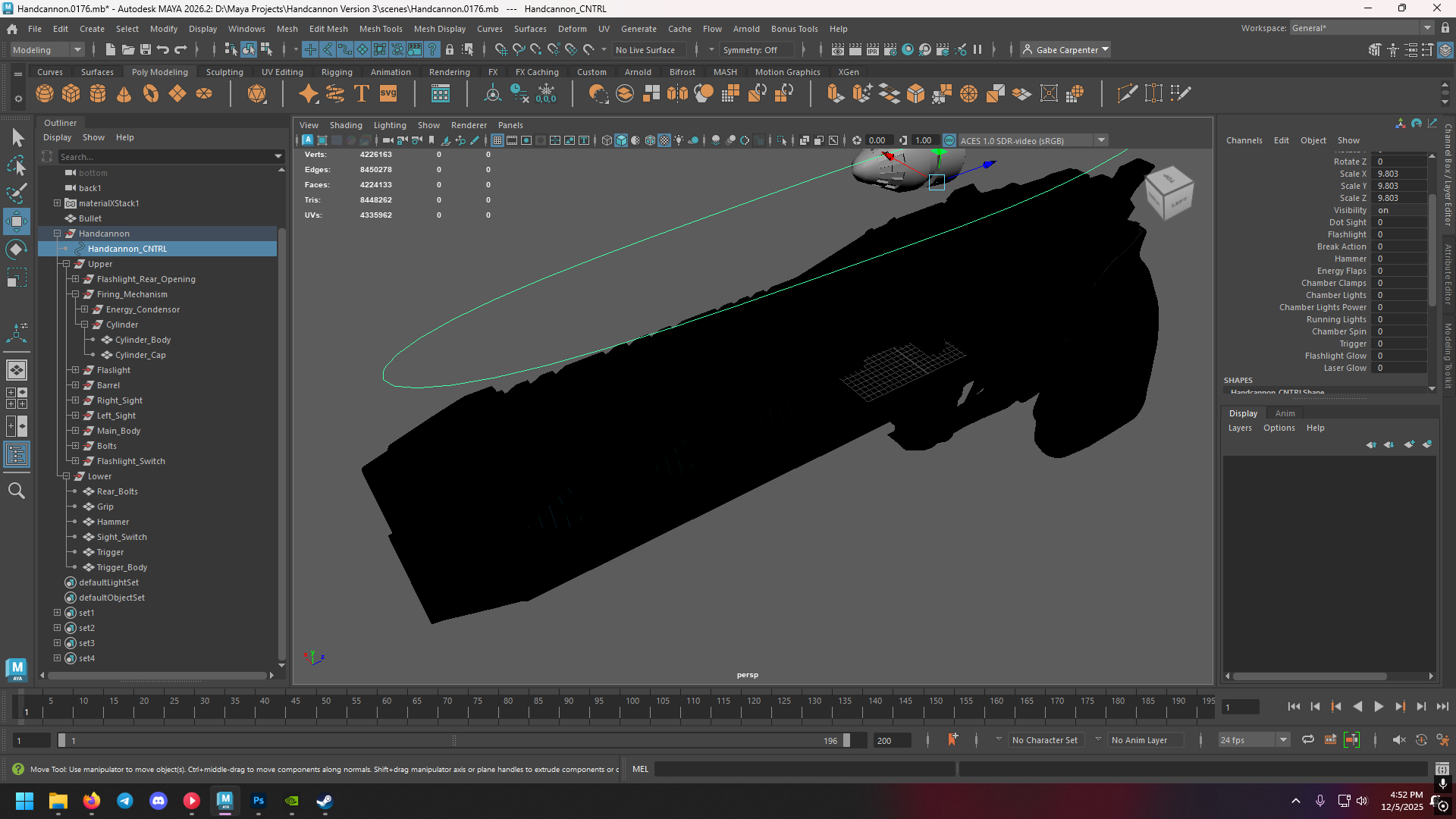
Front Lights off
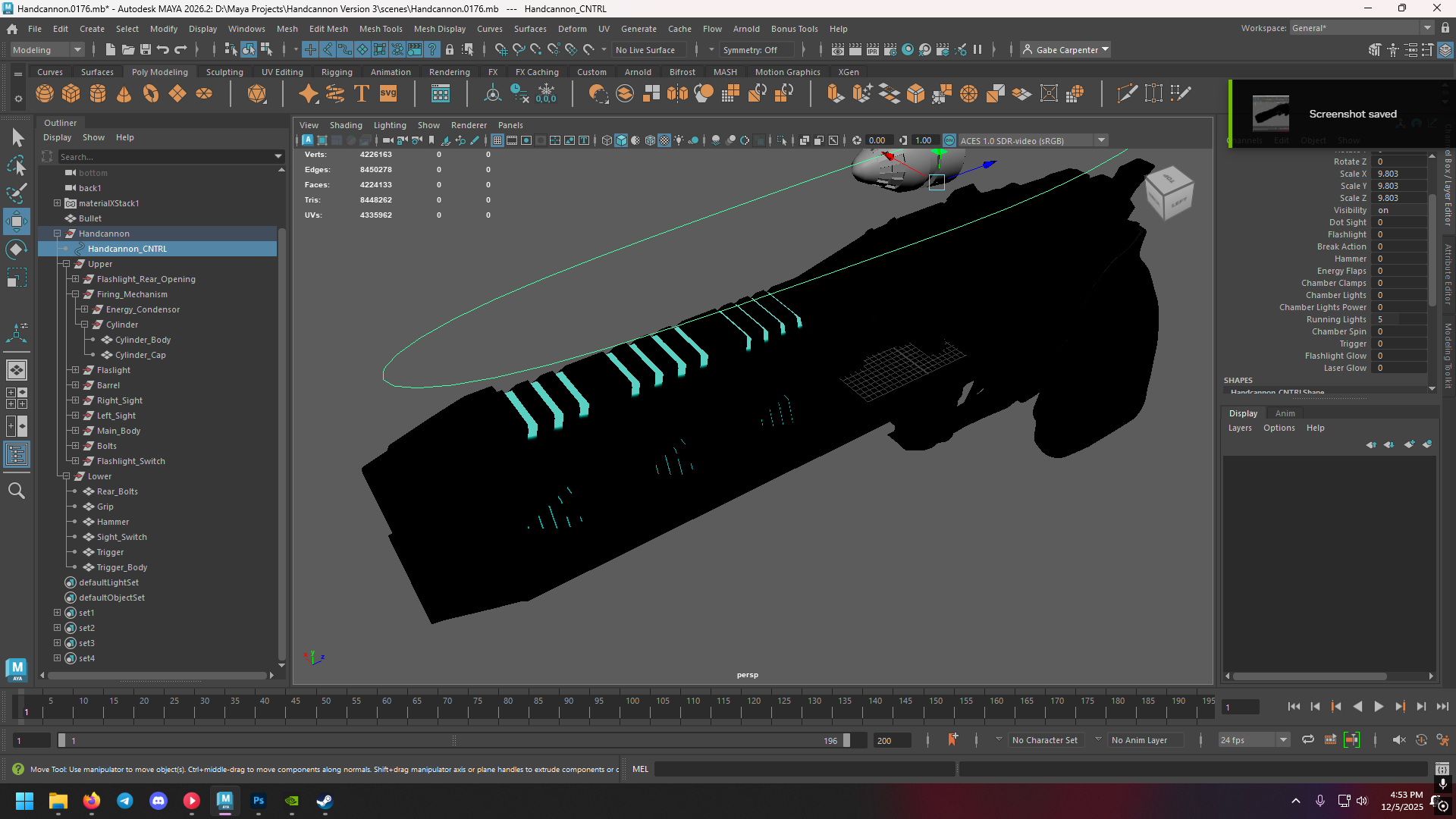
Front Lights 50%
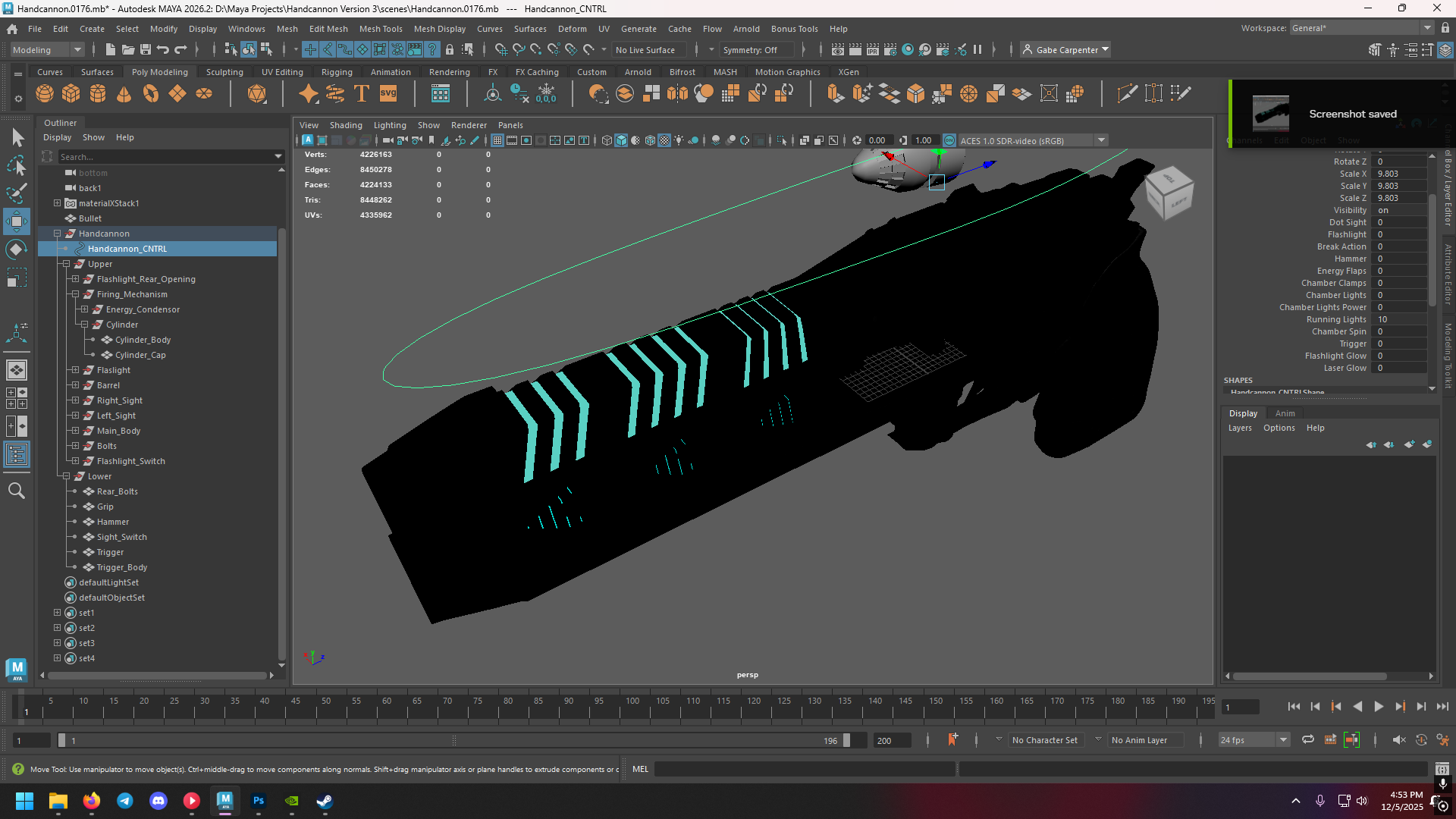
Front Lights 100%
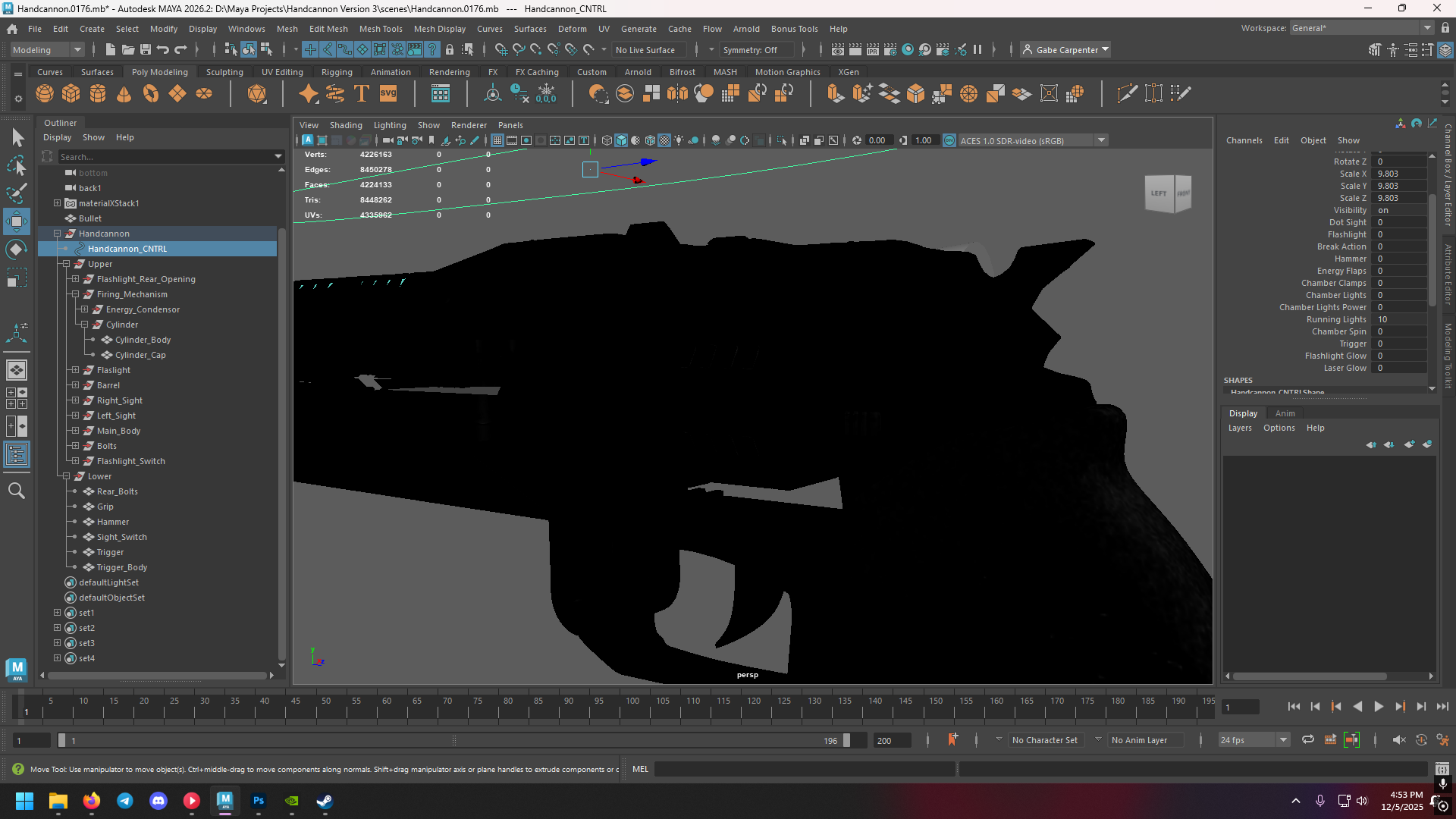
Rear Lights off
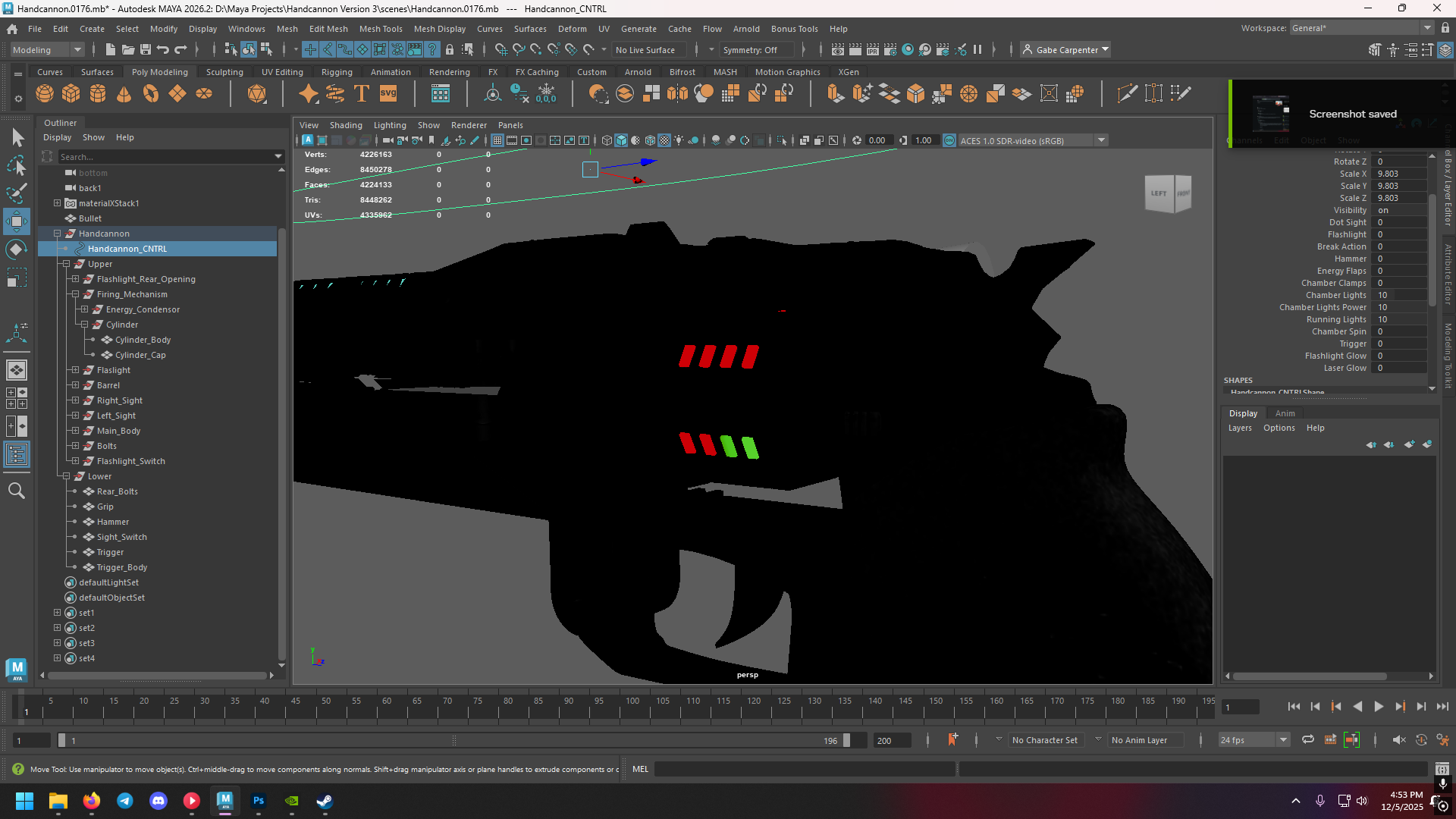
Rear Lights 46%
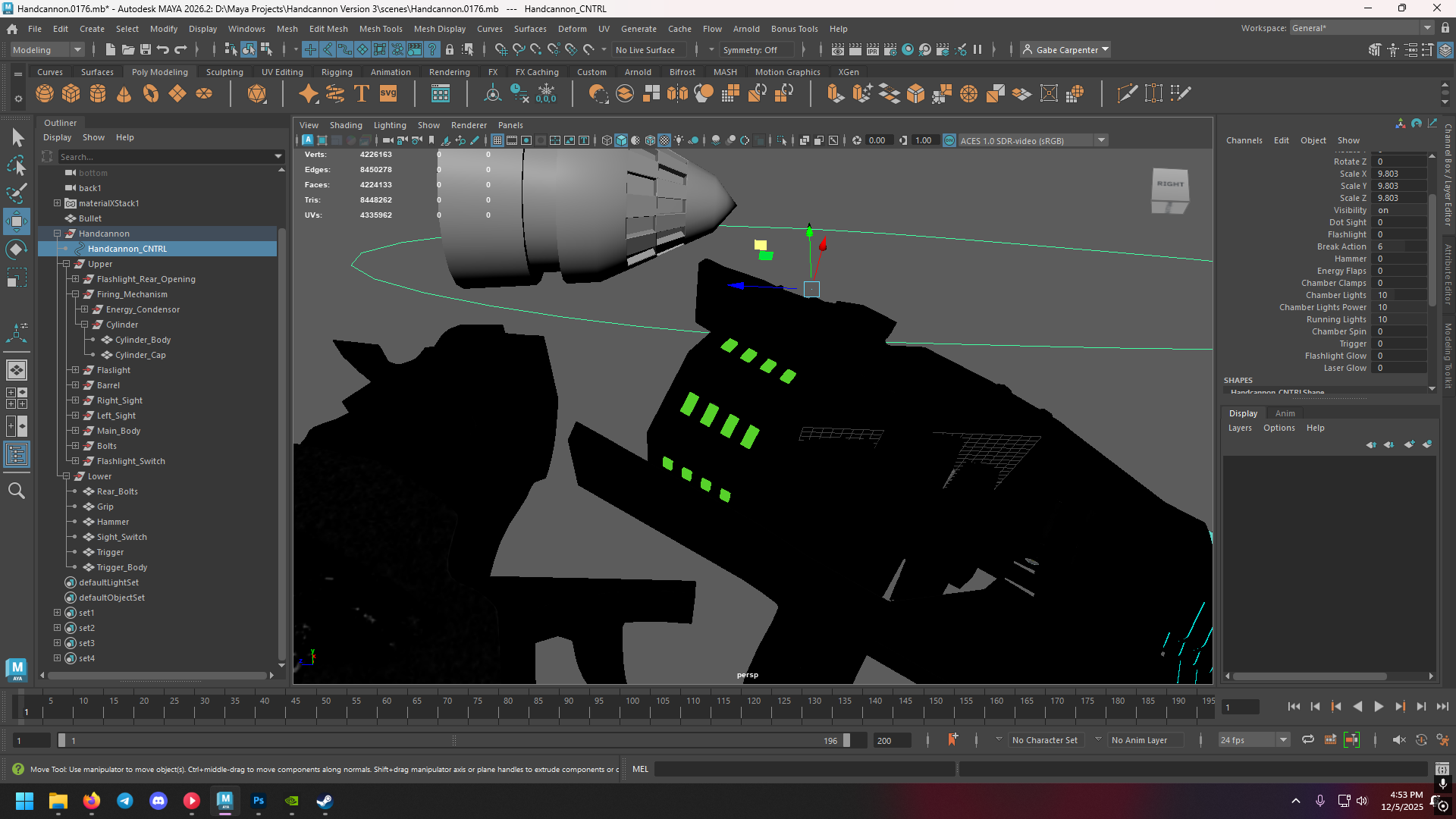
Rear Lights 100%
